 Stone Identifier
Stone identifier app for iPhone and Android
Take a picture of a rock, mineral or crystal and compare the suggested match with the stone in your hand. You can start with a photo already on your phone.
On iPhone, the app is free to download and includes limited free scanning. See what’s included.
Identify a rock with your phone
Take a photo or choose one from your library to explore a likely rock, crystal, mineral or gemstone match. Read about its visible features, compare similar stones and save interesting finds to your collection. Identification requires an internet connection.
Made for curious collectors and beginners who want a starting point for learning about a find. Results are AI suggestions and can be incorrect.
Explore a result. Keep your finds.
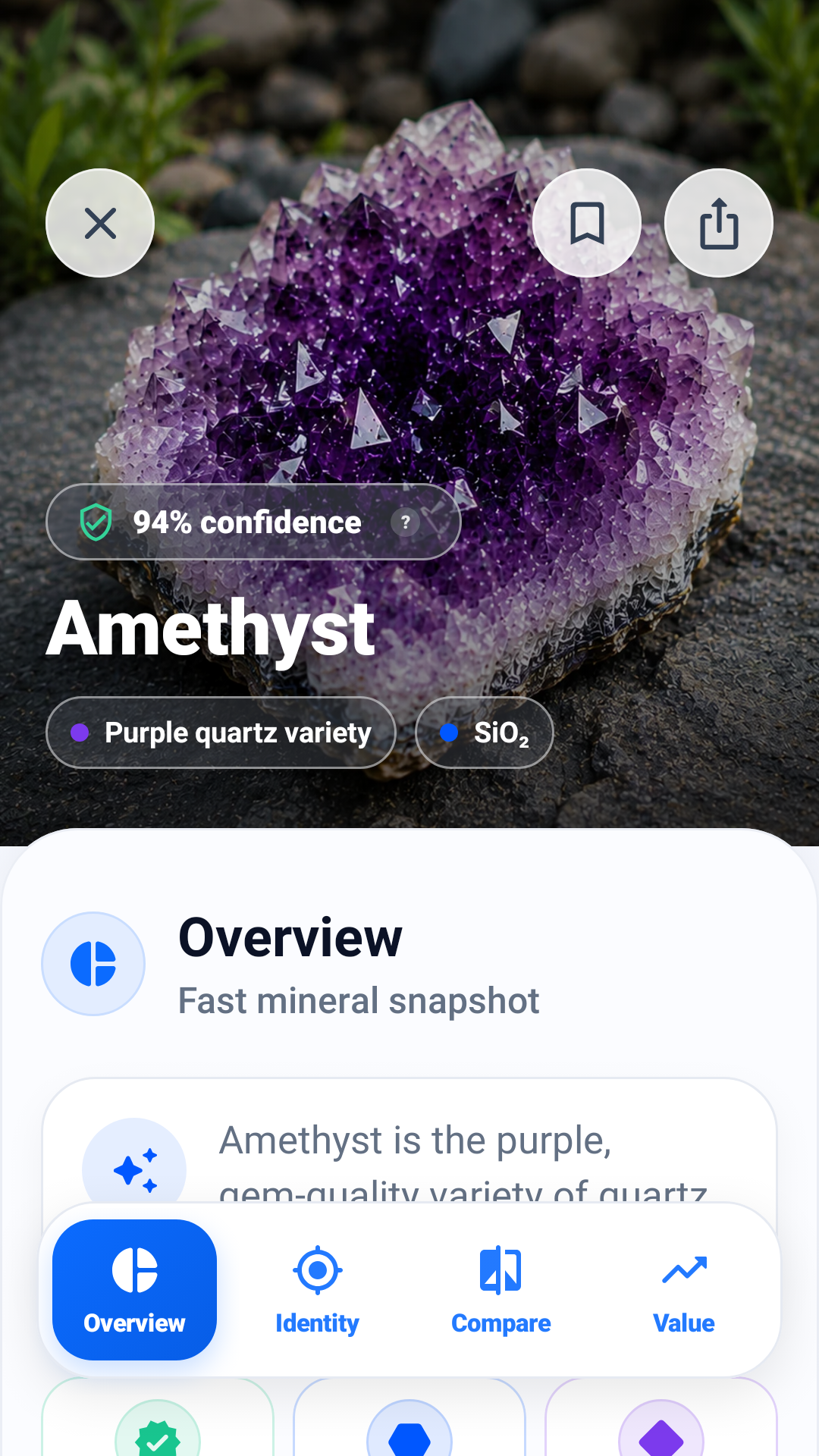
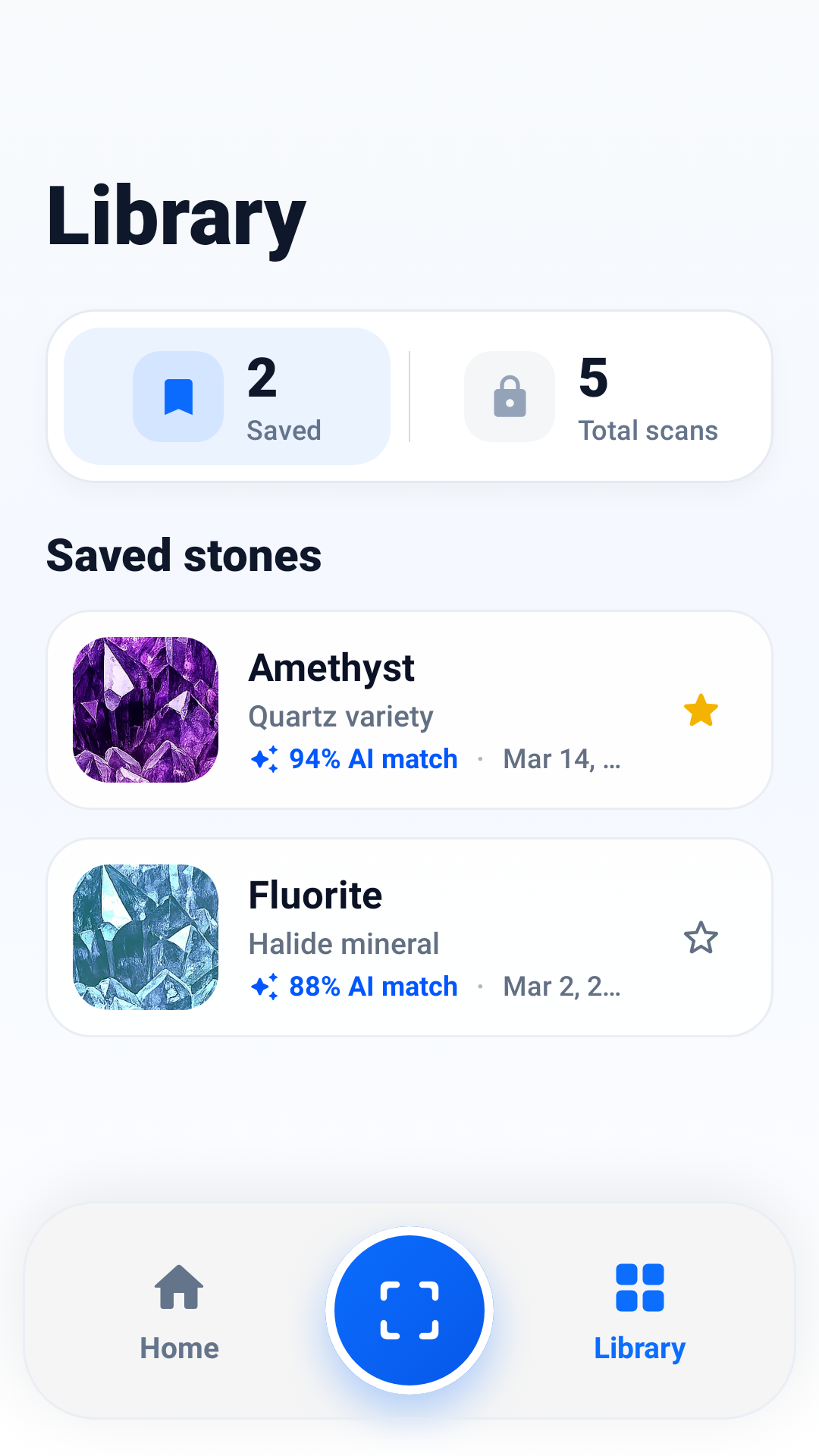
Android screens shown with sample data and artwork. Results and available details vary; displayed confidence scores are not a guarantee of identification accuracy.
How does photo identification work?
- Photograph one stone clearly. Use good light, a plain background and a sharp close-up. Keep the whole specimen visible.
- Explore the suggested match. Review the profile and compare its color, texture, shape and shine with the stone in your hand.
- Check the lookalikes. Use comparison details and our guides to investigate features a photo cannot settle. Save the find to return to it later.
What does a stone identification result look like?
We scanned a glossy black specimen. The app suggested obsidian and pointed out the curved breaks across its surface. See the original photo and the clues in our black shiny rock scan example.
Is the stone identifier app free?
The iOS app is free to download with optional in-app purchases. Free scanning is limited; check the allowance shown in the app. Pro includes unlimited scans, additional AI insights, deeper comparisons, value estimates and full scan history. Available details depend on the photo, result and subscription status.
Check your device’s store listing and the in-app purchase screen for current prices, plans and trial eligibility. Features and offers can differ by platform. Manage or cancel a subscription in your Apple ID or Google Play subscription settings.
Prefer to start in your browser? Use our free rock identification key to compare your find with labeled specimens.
Which app should I download?
Stone Identifier is this website. Our apps have different names in the two stores:
- iPhone and iPad: Rock Identifier & Stone Scan by Yoav Tzori. Requires iOS or iPadOS 18.0 or later.
- Android: Crystal & Stone Identifier by Stocker Group. Check Google Play for your device’s compatibility.
How accurate is a rock identification app?
A clear photo can help suggest a match, but similar-looking stones, poor lighting, coatings and polished surfaces can make identification uncertain. A confidence score on one result is not a measured accuracy rate for the app. Check the physical specimen against reliable references rather than relying on the suggested name alone.
Can a photo confirm a gemstone’s identity or value?
No. AI suggestions are for education and exploration. They do not replace professional gemological testing or a certified appraisal. A photo alone cannot establish every property, treatment or origin.
Start with a guide
Learn how to read a crystal picture, how to photograph your stone or why two scans can disagree. Compare quartz and calcite, learn what to look for in agate, or use our observation sheet before exploring a possible match.
Product information checked against the App Store and Google Play listings on November 8, 2026. Read the app’s privacy policy and terms of service.