Why does a rock identifier give my stone two names?
When two scans disagree, check which part of the stone fills each photo. A close-up may show one crystal, while a wider view shows several minerals together. Write down both suggested names and look for a feature that would help you choose between them.
In this guide
Check whether the photos show the same material
Imagine a dark pebble crossed by a white stripe. One picture shows mostly the stripe. In the other, the stripe is barely visible. A suggestion of quartz for the stripe tells you little about the surrounding rock. Label your two photos “white vein” and “whole pebble” so you know what each result refers to. The rock and mineral guide explains how minerals fit together in a rock.
 ROCK SCAN
Identify your rocks
Take a photo to explore a possible match.
iPhone and Android · In-app purchases
Pick a clue the two candidates do not share
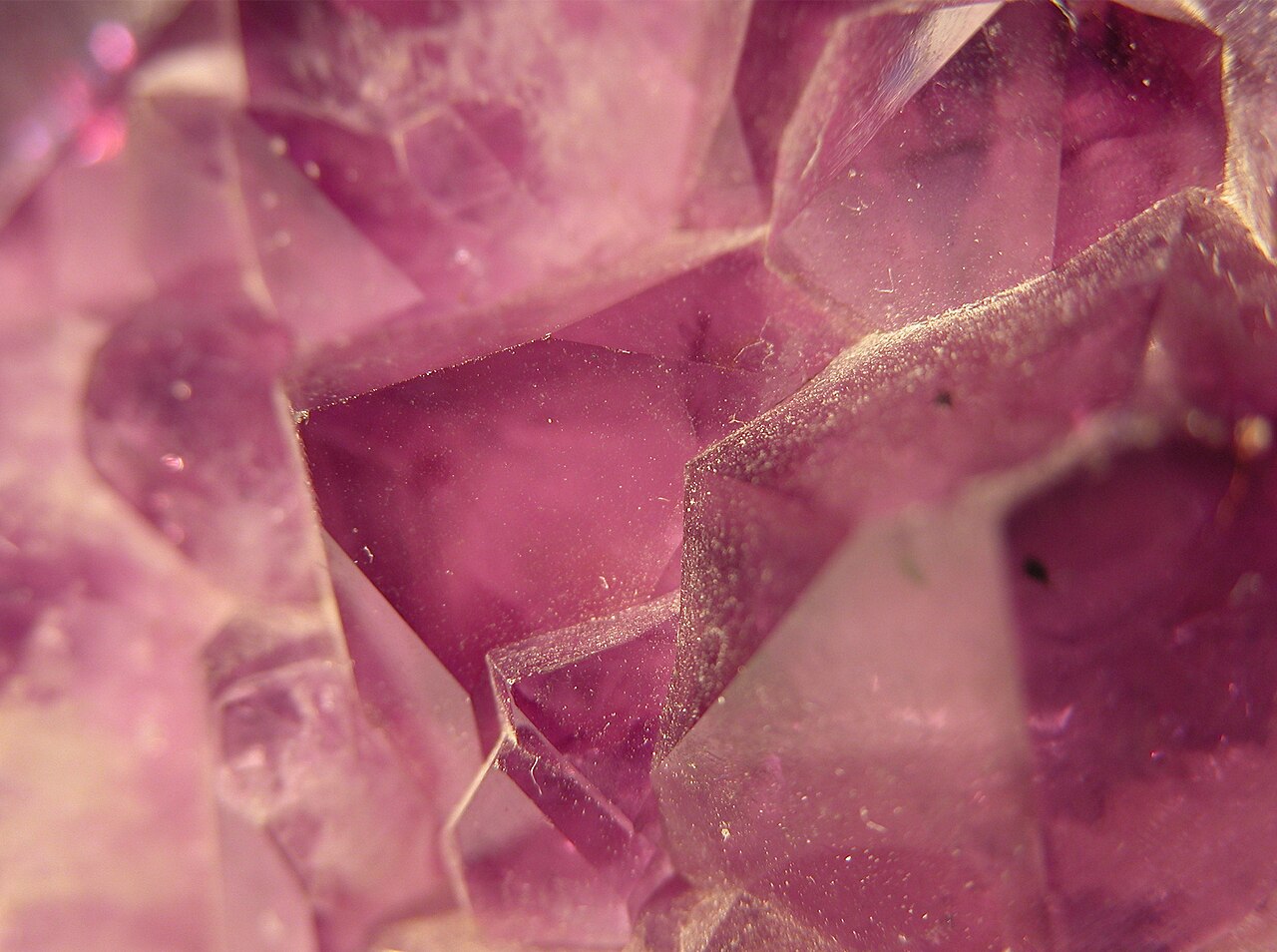
Suppose one scan of a purple crystal suggests amethyst and another suggests fluorite. Purple fits both. Look for a surviving natural crystal face. A six-sided prism ending in a point favors quartz, the mineral family that includes amethyst. A cube favors fluorite. The amethyst and fluorite comparison shows the shapes side by side. On a tumbled bead the original faces may be gone, so you may have to leave both names open.
Change one thing in the next photo
If the crystal tip was hidden, turn it toward the camera. If a reflection covered the edge, move the light. Keep the rest of the setup similar so you can tell what the new picture adds. Our rock photography guide walks through focus and glare before you spend another scan.
Decide what to write on the label
“Possible amethyst. Purple, pointed crystal. Base hidden by setting” tells you more than a vote count from several scans. Keep that note with the photo. If you have a clearer view, open the stone identification app to compare its suggestion with the clue you recorded. If the stone is mounted and its identity affects a sale, a gemologist can examine properties that your camera cannot capture.
Sources
ROCK SCANIdentify your rocks
Take a photo to explore a possible match.
iPhone and Android · In-app purchases